Small Business Meeting Rooms: A Step-by-Step Guide

Employees in a large-scale study of more than 9,000 workers in Norway spent approximately 4.7 hours per week in meetings, about 12% of a standard 37.5-hour workweek, and meeting activity consumed an average of 14% of total wage bills, according to the National Bureau of Economic Research study of workplace meetings. That's the case for taking small business meeting rooms seriously. You're already paying for the hours. The room decides whether those hours produce planning, problem-solving and decisions, or just another search for a quiet corner.
Match Room Size to the Meeting You Actually Hold
Room shortages get blamed for poor meeting setups, but a mismatch is often the real issue: the headcount, privacy need or remote participation does not fit the room. XY Sense's 2025 data found that 64% of meetings involved one or two people, and 94% involved six or fewer. Separately, a summary of data from 173 buildings in 13 countries reported that 80% of meetings took place in rooms for fewer than six occupants, while rooms designed for 17 or more people had 12% utilization, according to Cutler's analysis of collaborative workspace design for hybrid offices.
A larger room can still be the right choice when a meeting needs confidential conversation, flexible seating or space for remote-call equipment. For a two-person review, though, a boardroom may make conversation feel less direct and leave remote attendees harder to see and hear. Choose for the people and work involved, then test the setup before relying on it.
Run a Four to Six Week Capacity Audit
Count actual attendance, not calendar invites. Track in-person and remote participants for four to six weeks, then calculate the 50th and 90th percentile in-person headcounts. Use the 90th percentile to guide your regular room choice, and keep larger rooms available for workshops or events.
Check reservations against check-ins. A booking does not prove the room was used, and a high no-show rate can make an apparently busy room schedule misleading. Review room-hours used, occupancy, no-shows and peak-period overflow quarterly.
If your 90th-percentile meeting has four people, a six-person room may fit better than a boardroom used only occasionally. For a more detailed sizing checklist, see meeting room space requirements for small teams.
Room Tier by Meeting Type and Headcount
Meeting type | Typical headcount | Privacy need | Room tier to book | Freeform House room |
|---|---|---|---|---|
One-on-one or interview | 1-2 | High | Smallest enclosed room | Confirm capacity with staff |
Client review or coaching | 2-4 | High | Small enclosed room | Confirm capacity with staff |
Team planning or problem-solving | 4-6 | Medium | 4-6 person room with semicircular table | Confirm capacity with staff |
Workshop or training | Larger working group | Medium | Mid-size room with flexible layout | Confirm capacity with staff |
Private event or presentation | 17+ | Low to medium | Largest room, booked early | Confirm capacity with staff |
Treat these tiers as a starting point. Confirm the capacity of the Hall of Fame Room, Freeform Room, Executive Room and Thomas Room with staff, based on your headcount and layout. A room suitable for a client review may not work for a workshop if its table cannot be moved.
For a confidential conversation, book an enclosed room. An open area does not provide the same privacy, even if it costs less.
For 4-6 person rooms, ask whether a semicircular or shallow-U table keeps everyone visible to the camera. Test the camera framing and microphone pickup before the meeting. A bigger display will not fix poor sightlines or audio.
Compare Hourly, Day and Membership Pricing
Start with arithmetic, not with a sales page. Count the room hours you'd book in a typical month. Price those hours at the hourly rate. Then compare that total with any flat membership fee and check exactly which rooms and services the fee covers. If the membership costs more than your hourly total, it only makes sense if the included coworking, events or other access fills the gap.
Workspace access is often a separate line item, even inside a club. Soho Works launched in 2015 and in 2024 charged an additional monthly fee of approximately $200 to $700 depending on location and membership status, according to a strategic-management analysis of Soho House and Soho Works. Those figures aren't a guide for Jenks pricing. They show why you should never assume social membership, coworking and private room access are the same thing.
Price Models Compared by Usage Pattern
Price model | Best for | How it is billed | Watch-out | Freeform House price |
|---|---|---|---|---|
Hourly room booking | Occasional meetings under two hours | Per hour, per booking | Costs add up for recurring weekly sessions | Confirm current rate |
Half-day block | Workshops and panel interviews | Fixed block rate | Unused time is still billed | Confirm current rate |
Day pass | Traveling or hybrid staff using coworking | Per day | Does not cover private room use | Confirm current rate |
Monthly membership | Weekly or multi-person use | Flat monthly fee | Pays off only above your break-even hours | Confirm current rate |
Event booking | Private parties and client dinners | Quote per event | Catering and staffing billed extra | Confirm current quote |
Two Scenarios That Clarify the Choice
A four-person consulting team meeting clients twice a month usually belongs on hourly or half-day pricing. They need privacy and a polished room, but they don't need daily access. Membership only wins if those same people also use coworking space between client sessions.
A founder running one interview each week is different. The booking is short, but it's recurring and predictable. Compare four or five hourly bookings a month against the membership tier that includes that room. If interviews sometimes turn into working sessions, add that extra time before you decide. The pattern matters more than any single meeting. Owners weighing flexible space against a lease can also compare the trade-offs in short-term office rental options for small businesses.
Hidden costs change the break-even point quickly. Ask about catering minimums, AV setup, overtime past the booked end time, cancellation and no-show fees, and printing or screen charges. A low room rate with expensive add-ons isn't low.
Before you sign anything, ask Freeform House three direct questions. Which rooms does each tier include? Can you upgrade to a larger room flexibly when attendance changes? Do meals from partner restaurants arrive with no extra delivery cost? Get the answers in writing, tied to the tier you're buying.
Check the Amenities That Change How Meetings Feel
Room shortages are rarely the core problem. A room can be available and still fail the meeting because it is too noisy, too exposed for a private conversation, or poorly set up for remote participants. Choose amenities around the people attending and the work they need to do.
Start with sound. Listen for HVAC, doors, street noise and appliances from the seats where people will speak and listen. For a more objective check, ask whether the venue measures reverberation time (T30), speech clarity (C50) or speech transmission index (STI). Research on objective acoustic measures for meeting rooms describes these measures and cites guidance of about 0.5 seconds reverberation time, with a ±20% tolerance, for a room of approximately 150.8 m³. The same research recommends an STI above 0.64 for meeting rooms, with values above 0.75 indicating excellent intelligibility.
Small rooms can be especially unforgiving. The cited research found rooms under 100 m³ averaged 2.8 dBA more than larger rooms. Check the sound at the listener's seat, not just beside the display. If speech is hard to follow, turning up the speaker is rarely the right first fix. Microphone placement and sound-absorbing surfaces matter more.
Amenity Checks and What Good Looks Like
Check | How to test | Benchmark | Red flag |
|---|---|---|---|
Speech clarity | Check STI at a listener's seat | Above 0.64 for meeting rooms; above 0.75 is excellent | Remote callers struggle to follow |
Reverberation | Measure T30 in the room | Near 0.5 seconds for the referenced room size | Audible echo from hard, parallel walls |
Remote camera framing | Check every seat on a live call | Everyone fits clearly in the frame | Far seats are cut off or hard to see |
Background noise | Test with HVAC running | Speech stays clear from every seat | HVAC masks speech at the far seats |
Privacy | Speak normally inside with the door closed | Words are not audible in the hallway | A passerby can follow the conversation |
For hybrid meetings, check the equipment in use, not just the amenity list. Ask for a live test with a microphone that picks up the whole table, a camera that frames every participant, and a display remote callers can read. A screen alone does not make a room ready for hybrid work.
Catering can affect the room choice, too. Confirm the partner restaurant's order window and delivery lead time before choosing a meeting slot. A room that works well at noon is less useful if lunch arrives after the meeting ends.
For HR or client-sensitive conversations, close the door and ask a colleague to speak at normal volume inside. Listen from the hallway. If you can make out words, choose another room.
Before relying on a room for hybrid work, put a colleague in the seat farthest from the microphone and join a live call from outside. If you cannot hear that person clearly, the room is a poor fit, whatever the brochure says.
How to Book and Prepare the Room Step by Step
Room problems often start with a mismatch: the group is larger than expected, privacy needs were overlooked, or remote attendees can't take part effectively. Book for the meeting you'll really run, then check the setup before relying on it.
The Booking Sequence
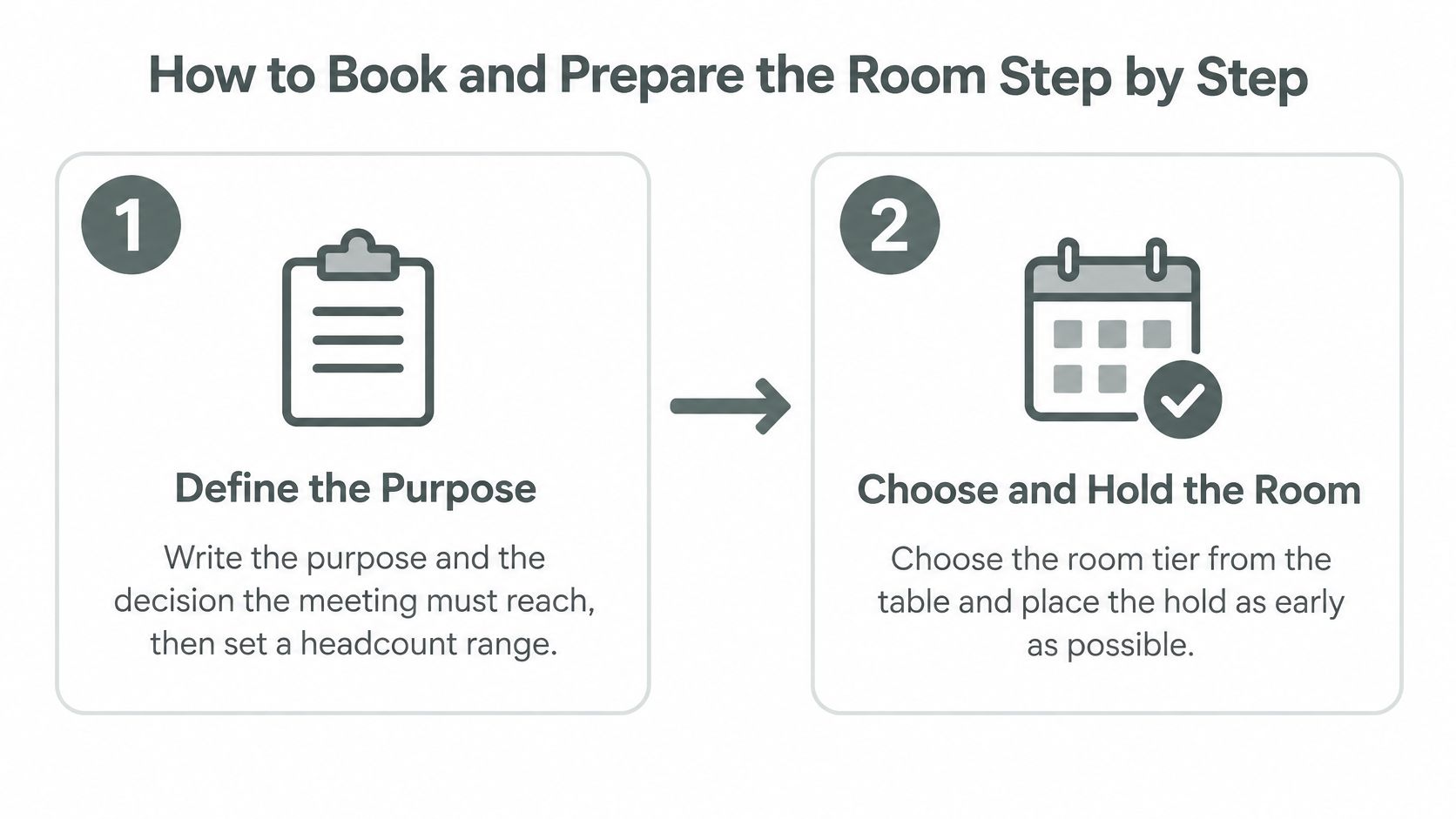
Define the outcome: Write down the meeting's purpose and the decision it needs to produce. Estimate a headcount range, not just a single number.
Choose and hold the room: Select a room that fits the group, privacy needs, and any presentation or remote-participation requirements. Place the hold as early as your schedule allows.
Size up only when needed: A larger room may be worth the extra cost for confidential discussions or a presentation. Otherwise, book the smaller room that fits.
Send materials early: Share the agenda and join link at least 24 hours ahead so attendees know what to prepare.
Confirm catering separately: Order through the partner restaurant and get the delivery window and lead time in writing.
Test before guests arrive: Arrive 20 minutes early. Check the display, microphone, and camera with a remote colleague.
Set up for the expected group: Arrange chairs and tables for the people likely to attend, with enough room for the meeting format.
Start with the decision: State the outcome needed, then keep the agenda on time.
Name Your Backup Room Before You Need It
The XY Sense Workplace Utilization Index for Q2 and Q3 2025 reports that 53% of meetings changed to a larger room despite an appropriately sized room being available. The report also found that 68% of meetings involved one or two people, and 94% involved six or fewer.
Identify a fallback room before the meeting. If the headcount grows by more than two people within 48 hours, check whether the backup is available and update the catering count. A room change is easier to manage before guests arrive.
Room sizing cuts both ways. An oversized booking adds cost and can limit availability for other groups. A room that's too small can leave attendees uncomfortable or compromise privacy. Match the booking to the expected group, then set a clear point at which you'll switch rooms.
Rule of thumb: Prepare for the group you expect, and identify a backup for the group that shows up.
If a two-person conversation may become a workshop, tell the venue when you book. Ask for movable tables, a surface for writing, and enough floor space for people to stand and regroup. A standard meeting setup may not support that change.
Confirm recording arrangements before the meeting. Ask whether recording is supported, where files are stored, and who can access them. Get attendees' consent before recording. Also check the deadline for changing rooms, guest counts, or booking length, and add those cutoffs to your checklist. A change made in advance is easier to handle than one made as clients arrive.
Plan Parking, Transit and Arrival in Downtown Jenks
Room availability is only part of the booking decision. In downtown Jenks, confirm how guests will park, find the correct entrance and reach the room before choosing a venue. Freeform House is in the 10 District, so include clear arrival instructions with the invitation.
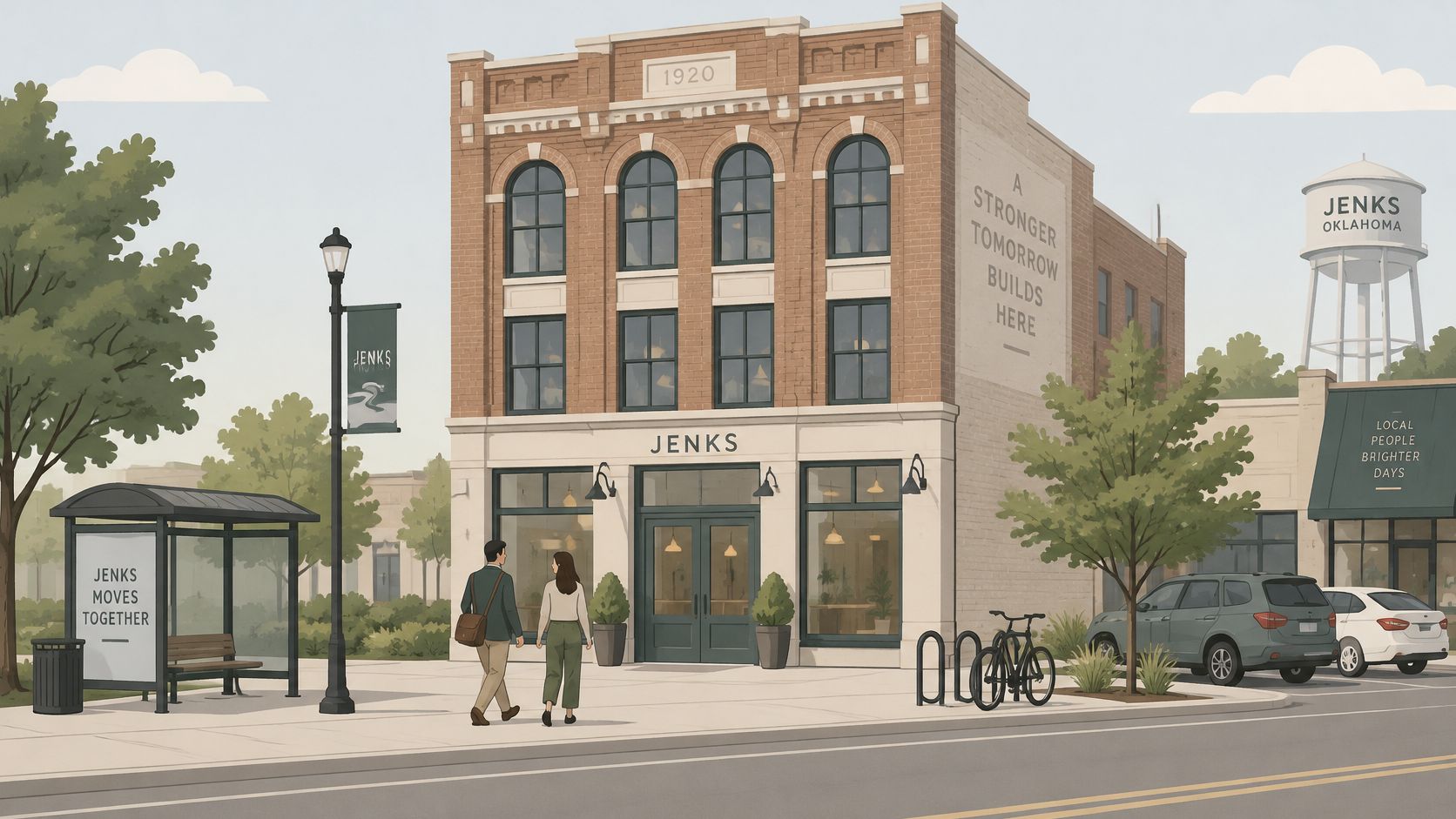
Check public parking options for the meeting date and time. Send guests the name or address of a suitable lot, then give them a walking route from there to the venue entrance. If parking availability is unclear, contact the venue before sharing directions. For rideshare arrivals, identify a drop-off point and confirm which entrance guests should use.
Build a reasonable arrival buffer into the start time, especially if guests are unfamiliar with downtown Jenks or a local event may affect access. The buffer is a planning choice, not a guaranteed travel estimate. Include the venue name, entrance, room name and a contact for anyone who gets turned around.
The embedded video can help guests recognize the area before they travel.
Before sending the invitation, check four details:
Parking: Confirm which public options are suitable for the booked time.
Directions: Share a route from the chosen parking option and name the entrance.
Room location: Give guests the room name and any door or check-in instructions.
Arrival contact: Assign someone to meet visitors or answer a call if they cannot find the room.
For remote participants, share connection details separately and allow time to test audio before the meeting begins. If guests are carrying presentation materials or equipment, confirm where they can bring them and whether the venue can receive deliveries. Put the practical arrival details in one message, so guests do not have to piece them together from separate notes.
Run the Meeting, Follow Up and Book a Trial
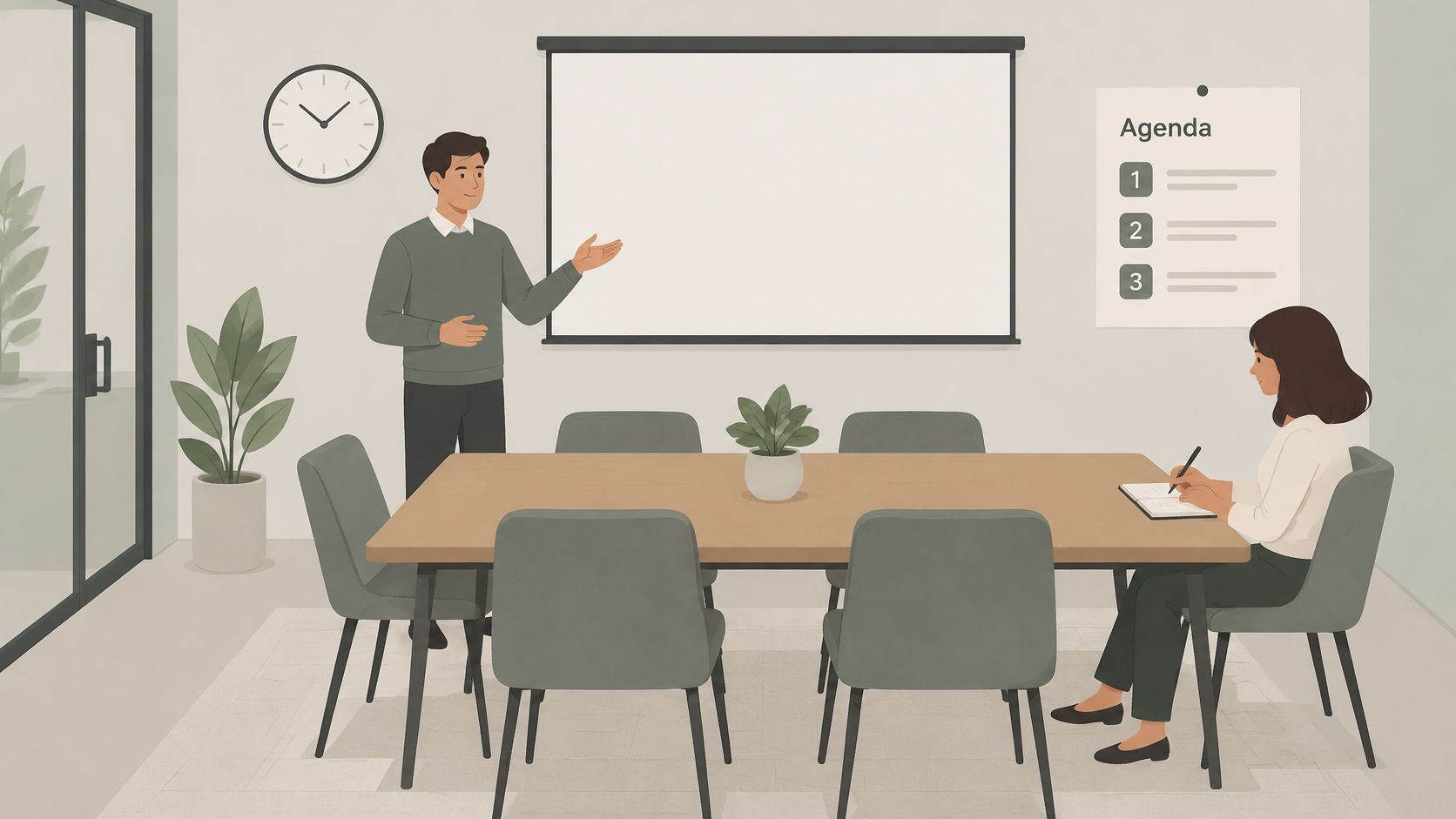
A room that fits the headcount can still fail the meeting. The group's privacy needs and remote setup matter just as much. Name the decision the group needs to make, time-box agenda items, and assign an owner to each. Choose a note-taker who is not presenting so decisions and action items are captured accurately.
Remote participants need a clear route into the discussion. Invite their input before people in the room start talking among themselves, and repeat questions so callers can hear them. For practical guidance, review business meeting etiquette for hosts and participants. The host still needs to manage turn-taking in the moment.
Follow Up Within a Day
Send decisions, not a transcript: Within 24 hours, share decisions, owners and due dates. Leave out the play-by-play.
Enter actions in your task tool: Add each task and due date while the discussion is fresh.
Reserve a follow-up if needed: If the work continues, book the next session before attendees leave.
Record how the room performed: Note whether it fit the group, the AV worked, and any catering arrived on time.
A useful recap answers three questions: What was decided? Who owns the next step? When is it due? Keep it short enough to read between calls.
A meeting is not finished until the recap is sent.
A shared digital channel can keep project discussion going between in-person sessions. A 2025 qualitative study of one hybrid coworking community, conducted over six months from June through November 2023, found that cafés supported focused work and casual interaction, while Discord channels supported ongoing communication, collaboration and emotional support, according to the study of that hybrid coworking community in Surabaya. The findings describe one community, not a guaranteed result for every business. They offer a practical model: use the room for focused, face-to-face work, then continue follow-up in a persistent digital channel.
Freeform House offers membership, coworking and bookable rooms in downtown Jenks. Research on coworking spaces describes shared environments as places where supportive networks can form and enable collaboration and knowledge transfer, as discussed in peer-reviewed research on coworking spaces and supportive networks. Treat those benefits as possibilities, not promised returns. Check whether introductions, workshops and repeated contact with other members are useful to your business.
Small rooms can suit focused discussion, but a tight fit can limit participation. In a 2025 international survey of 900 knowledge workers, 94% said they regularly chose small meeting spaces because they felt personal, focused and free from distraction, according to Jabra's 2025 report on small meeting rooms. The same survey found that 74% said small-room meetings enabled more equal participation than medium or large rooms, while 80% had wasted time searching for an available room. Those results reflect survey respondents' experiences, not a guarantee that a smaller room will suit every meeting.
Book a Trial That Tests the Real Thing
A tour cannot show whether the room works for your group. Book a 60-minute trial in the room you expect to use, with one in-person attendee and one remote caller. Bring the laptop, files and presentation you would use with a client. Test the farthest seat and listen from outside the room to check speech privacy. If catering matters, order something during the visit.
Ask staff to explain the room options and how an upgrade or tier change works if attendance grows. Describe the meeting's purpose, privacy needs and remote setup, not just the headcount. A staff member who recommends a smaller or different room is giving you a useful test of the venue's fit.
After a month, review your bookings. Are you matching room size to actual attendance? Are meetings ending with decisions, and are recaps going out on time? If AV problems or last-minute room changes continue, adjust the room choice or booking routine.
Choose small business meeting rooms by the facts you can check: group size, privacy, remote participation and speech clarity. Extra square footage does not fix a poor fit.
If you're choosing small business meeting rooms in Jenks, book a trial session at Freeform House, test the room with a remote caller, and ask the team which space suits your meeting's purpose and attendance. Visit Freeform House to explore membership, coworking and bookable rooms in downtown Jenks, then plan a working session.
Comments